
Hyde County Court Docket Basics
A docket is the chronological list of filings, hearings, notices, orders, payments, continuances, and other case events. It is not the same thing as the full case record. A Hyde County court docket may tell a user that a motion was filed, a hearing was set, a citation was disposed, or a judgment was entered. The full case record may contain the document, order, pleading, exhibit, or certified copy behind that docket entry.
In Hyde County, dockets arise from Superior Court, District Court, magistrate or small-claims matters, traffic and infraction matters, estates, special proceedings, and family matters. Superior Court handles felonies, civil cases over $25,000, and appeals from District Court misdemeanors and infractions. District Court handles misdemeanors, traffic, juvenile, domestic, small claims, and lower-value civil matters. The local Clerk of Superior Court is the records custodian for both divisions.
| Court / Office | Docket Role | Hyde County Contact |
|---|---|---|
| Superior Court | Felony, higher civil, and District Court appeal dockets | Judges line (252) 940-4016 |
| District Court | Misdemeanor, infraction, traffic, domestic, juvenile, and small claims dockets | Judges line (252) 940-4012 |
| Clerk of Superior Court | Records, filings, cashier, indexes, and copy requests | (252) 926-4700 |
| Magistrates | Lower-level judicial functions and small-claim related activity | Swan Quarter (252) 926-4101; Ocracoke (252) 921-0230 |
Search Hyde County Court Dockets Online
The main online channel is the NC eCourts Portal. For docket scheduling, the Search Hearings tool is often the more direct route than a full Smart Search. The Portal Training and Resources page states that Search Hearings supports searches by case number, party name, business name, attorney name, attorney bar number, judicial officer, or courtroom. The Hyde County court page also links to court-date tools that search by name, citation number, county, and more.
Smart Search remains useful when a docket needs to be read in context. It can show case information and event history, while Search Hearings focuses on scheduled appearances. If the question is "when is court," start with Search Hearings. If the question is "what has happened in the case," start with Smart Search. Certified records and full copies still route to the Clerk of Superior Court.
- Open the NC eCourts Portal and choose Search Hearings for court dates or Smart Search for broader docket history.
- Enter the case number, party name, business name, attorney name, citation number, or other known search value.
- Select Hyde County when a county or location filter is available.
- Review the hearing date, courtroom, judicial officer, and event details before making travel plans.
- Call the Clerk of Superior Court if the online docket conflicts with a notice, if a hearing was missed, or if a certified copy is needed.
The NC Portal training page explains the Search Hearings fields used for Hyde County court dockets.
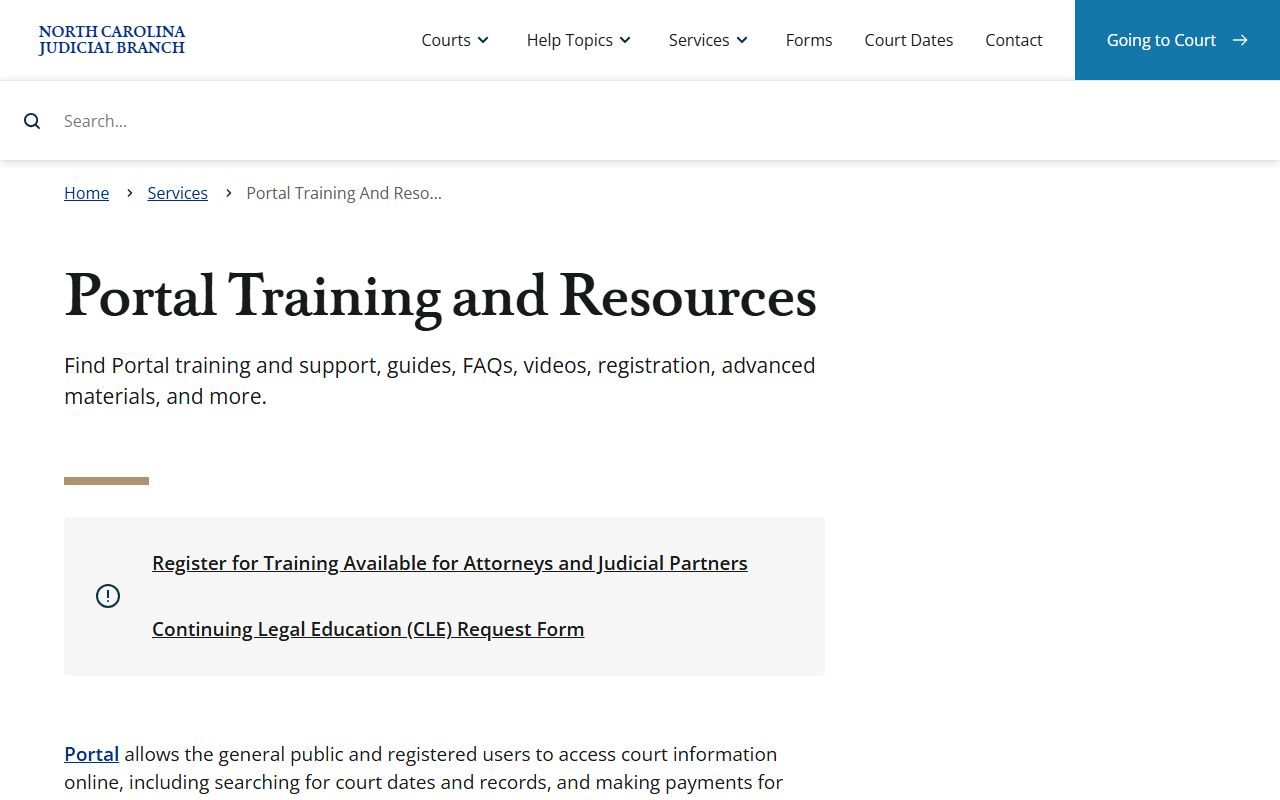
Those hearing search fields help users distinguish a calendar lookup from a full court records search.
Sample Hyde County Docket Entry
The research did not locate an opened individual sample docket, but Section 6 captured the field types that a Hyde County docket or hearing search may show. The most useful entries are the ones that identify what happened, when it happened, who filed or appeared, and what the next court action is. A docket can be brief, so terms such as disposition, continuance, order, judgment, plea, and appeal should be read in the case context.
| Field | What It Shows |
|---|---|
| Entry or Event Date | The date a filing, hearing, notice, payment, order, or other event was added. |
| Case Number | The unique record number used to connect the docket to the case file. |
| Case Type | Civil, criminal, traffic, family, estate, special proceeding, judgment, or related category. |
| Hearing Data | Date, time, location, courtroom, and judicial officer when those fields are available. |
| Docket Text | Motions, orders, notices, continuances, pleas, sentencing, failures to appear, payments, and appeals. |
| Status or Disposition | Pending, disposed, dismissed, judgment entered, appealed, stayed, sealed, expunged, or similar status. |
Hyde County Court Docket Sources
Hyde County does not publish a separate county-run docket database in the research materials. Dockets and court dates are handled through the North Carolina Judicial Branch and the Clerk of Superior Court. The Hyde County Judicial Branch page links users to court dates, civil and criminal calendars, payment information, local rules and forms, jury service, and courthouse services.
- NC eCourts Portal handles Smart Search, Search Hearings, payments, and judgment search.
- Hyde County landing page provides county court-date and calendar links from the Judicial Branch.
- Clerk of Superior Court confirms local file status, copies, cashier matters, and certified records.
- Local rules and forms page points users to courthouse personnel when a listed rule or form is not online.
The Hyde County local rules and forms page is one source that may affect docket practice or filing steps.
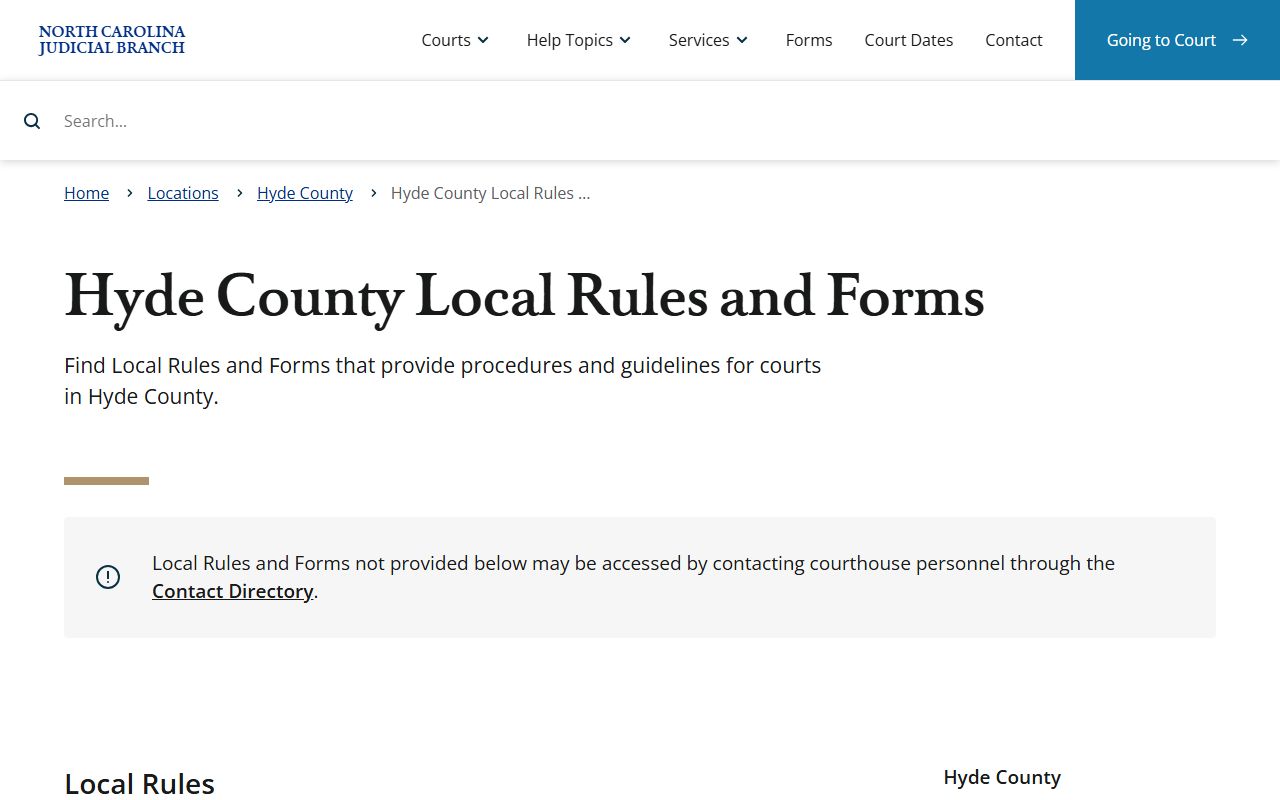
When local rules are not posted, the research directs users to courthouse personnel rather than guessing from another county.
Hyde County Dockets vs Case Records
A docket is best for tracking progress. A full case record is better for reviewing the substance of a matter. For example, a docket entry may show that an order was entered, but the full order may need to be viewed through the portal, requested from the clerk, or inspected under the public access rules that apply to that case type. This distinction matters for family, juvenile, estate, guardianship, and expunged matters, where sensitive content may be restricted even when some docket information exists.
| Question | Docket | Full Case Record |
|---|---|---|
| Format | Chronological list of events | File with pleadings, orders, judgments, and copies |
| Best Use | Confirm hearings and track case progress | Review legal content or request certified copies |
| Access Route | Search Hearings, Smart Search, calendars, clerk | Smart Search where available, clerk file request, certified copy request |
| Limits | May omit restricted details | May be sealed, redacted, expunged, or unavailable online |
Note: A docket entry can confirm that an event occurred without exposing the full document behind that event.
Read Hyde County Court Dockets
Common docket terms have plain meanings. A motion is a request asking the court to act. An order is a judge's or clerk's written directive. A judgment is a final decision or enforceable ruling. A disposition is the outcome of a charge or case, such as dismissed, guilty, not guilty, or judgment entered. A continuance means a hearing or trial date was postponed. An appeal is a request for review, or in some District Court criminal matters, a new trial in Superior Court.
For traffic and infraction dockets, missed court dates can create extra consequences. The Hyde County payment research says eligible citations may be paid online, by mail, or in person, but contested matters and mandatory appearances require attention to the court date. The Hyde County traffic court records page gives more detail on citation lookup, payment, and driver-record differences.
The current court costs publication page supports docket planning when costs or financial entries are part of the case history.
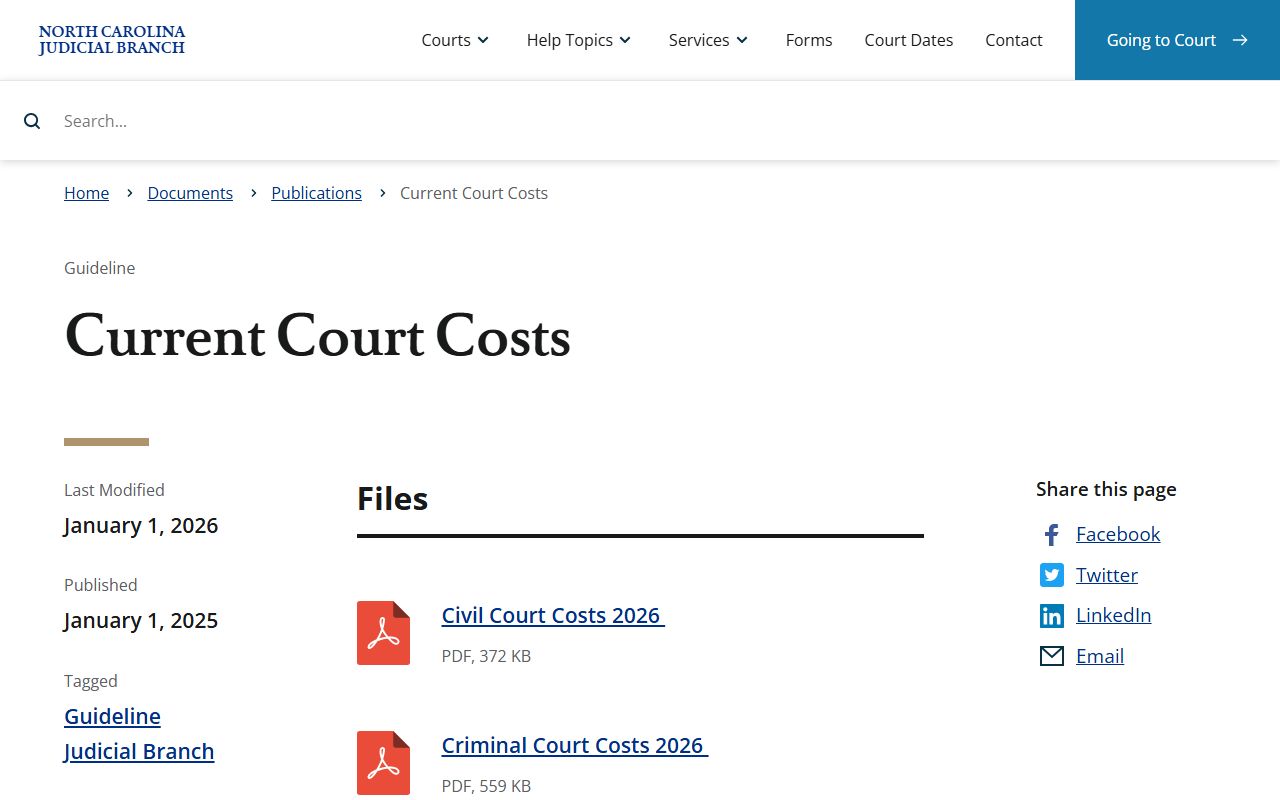
Costs can change by case type, so current court cost materials should be checked before relying on an older docket note.
Hyde County Docket Planning
Hyde County has a travel issue many counties do not have. Swan Quarter is the county seat, while Ocracoke residents may depend on ferry routes, weather, and seasonal schedules. A person traveling for a docket call, hearing, jury service, copy request, or cashier payment should check the date and courthouse location before leaving. The research lists the Swan Quarter Ferry Terminal at 748 Oyster Creek Road and the N.C. Ferry Division reservation line as 1-800-BYFERRY.
The Hyde County jury service page is one official local page that reinforces the need to check court obligations directly.
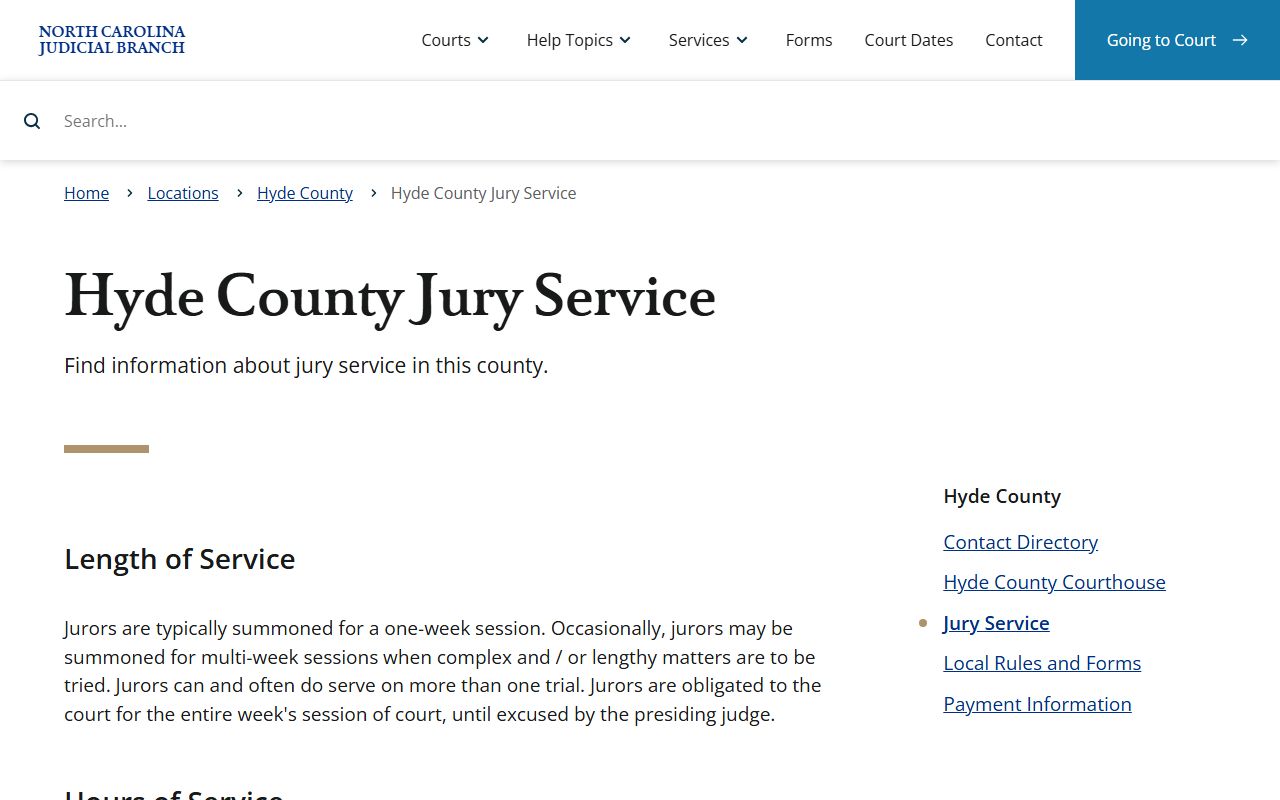
Jury and docket obligations both depend on current local court instructions, not just a general statewide summary.
The NC Courts Hyde County news tag also gives local Judicial Branch updates that may affect programs in the district.
District-level updates matter because Hyde County shares court districts and programs with neighboring counties.
The statewide eCourts launch news confirms the broader portal rollout for court records and hearing tools.
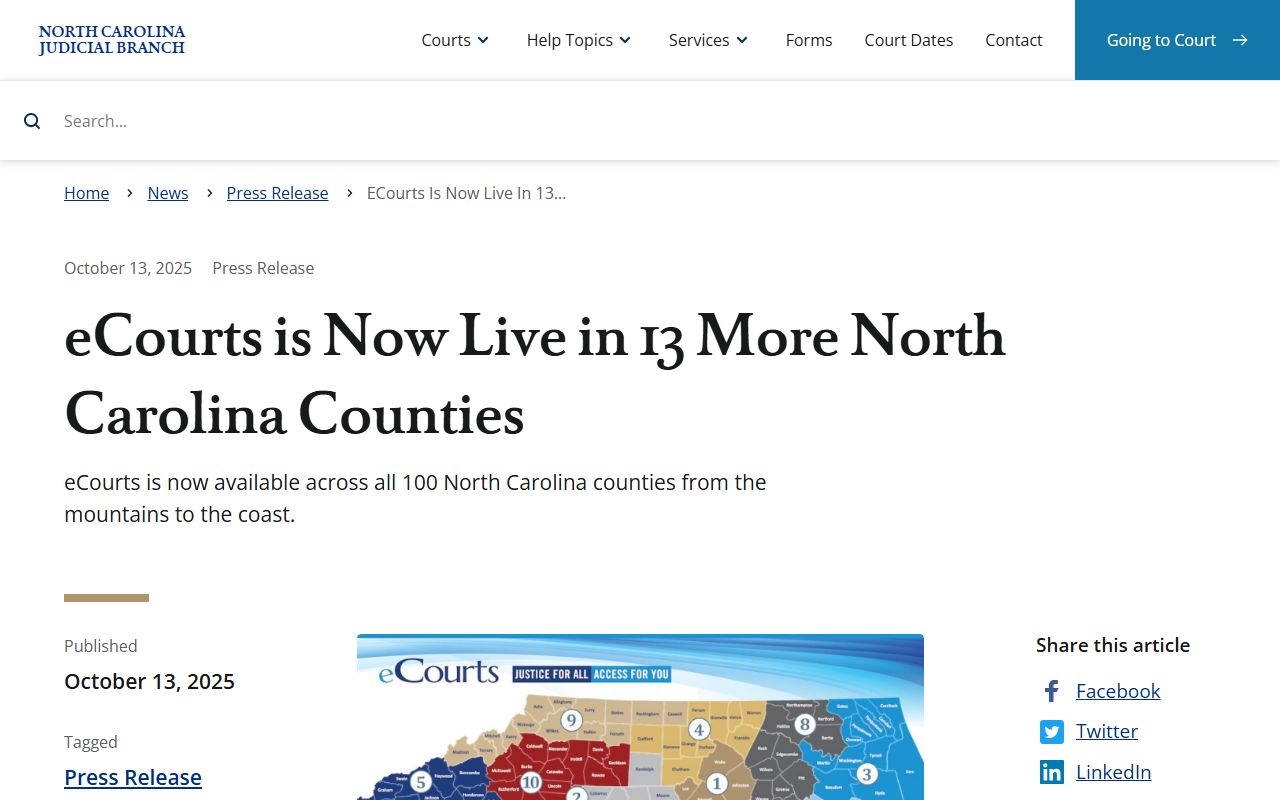
That statewide context explains why Hyde County docket searches use North Carolina portal tools rather than a local docket site.